
We open the Banque Chalus application on a Sunday evening to check a withdrawal, and the screen displays “code blocked.” No panic, the unlocking procedure takes a few minutes, but one must know where to find their identifier and which channel to use. This kind of situation summarizes the challenge of having controlled access to one’s online banking space: you save time when everything is in place, but you lose a lot when a detail is missing.
Finding your Banque Chalus identifier and personal code without calling the agency
The identifier is an eleven-digit number. It can be found on the bank account statements or on the paper account statements. It is neither a card number nor a phone number, and confusion often arises during the first connection.
The personal code consists of six digits to be customized after the first connection. If it has never been changed, the one received by mail remains active, but the bank requests that it be changed quickly.
In case of forgetting, there are two options. The first involves immediate reset using facial recognition from the phone. The second is to make a request to the agency via the online form.
The first option is faster, but it assumes that the phone associated with the account is at hand. For those who wish to access my Banque Chalus account online without blockage, noting this identifier somewhere safe avoids most support calls.
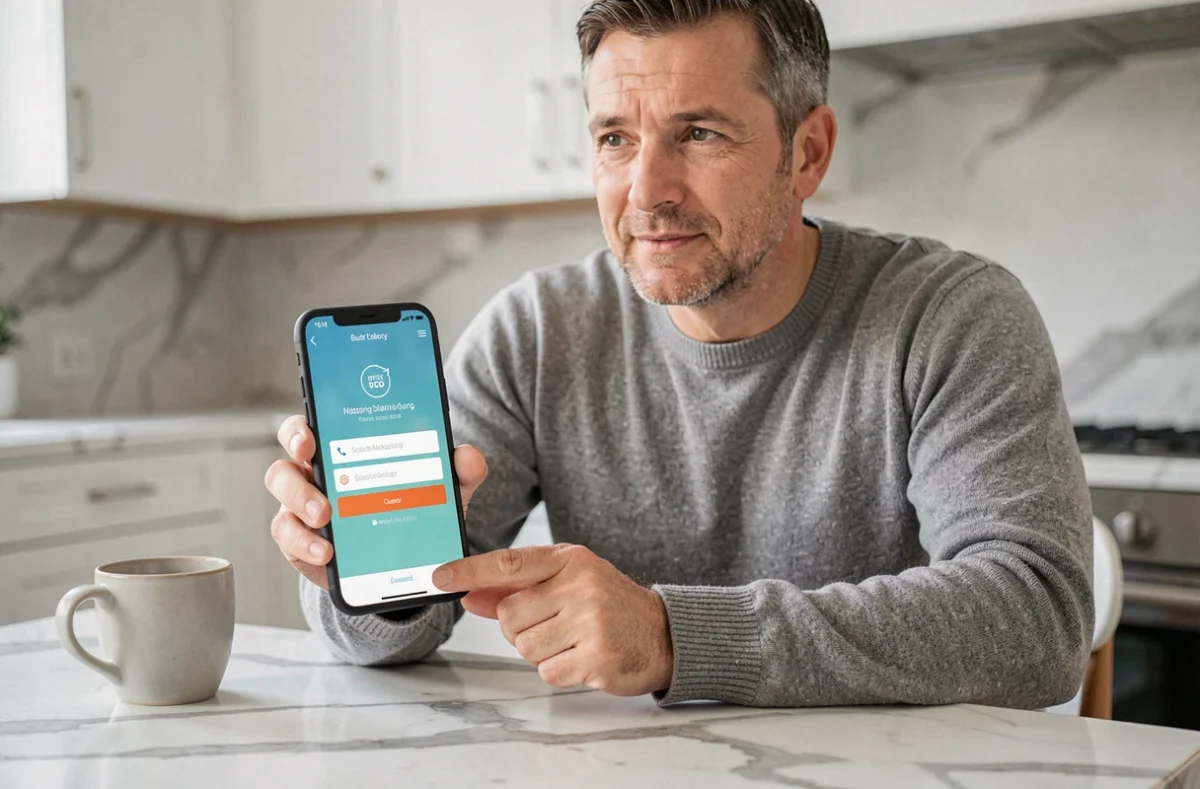
New Banque Chalus mobile application: added and removed features
The application update introduced direct controls on the bank card that the previous version did not offer. You can now act on your card without going through an advisor.
- Temporarily lock your card from the app, useful if you suspect a loss before making a permanent opposition
- Modify payment and withdrawal limits, for example before a trip where expenses will be higher
- Disable contactless payment or remote payments, two settings that many customers look for but cannot find in the usual menus
What has disappeared with the update
The new version has removed three functions that previously existed: biometric login (fingerprint or facial recognition to open the app), automatic categorization of transactions, and aggregation of accounts from other banks. For customers who used categorization to track their budget, the loss is significant. One must switch to an external tool or resume manual tracking.
After the update, the bank requests to reconnect with the identifier and the six-digit personal code. Since biometrics are no longer available, you must always enter the code manually.
Instant transfer Banque Chalus: what the official page says and what it doesn’t
The instant transfer is accessible from the app and the online space. The official page indicates a transfer time of ten seconds. In practice, you validate the amount, confirm via the security device (SMS or validation in the app), and the recipient receives the funds almost immediately.
What the page does not clearly specify is the limit applicable to instant transfers on your account. This limit can vary depending on the type of account and the customer’s profile. Before validating a large transfer, it is better to check the maximum authorized amount in the online space settings, under the transfer limits section.

Security of the Banque Chalus client area: the gestures that really matter
Banque Chalus uses a double authentication system via SMS to validate certain sensitive operations. A temporary code is sent to the phone number registered when opening the account. If you change your number without notifying the agency, you may find yourself blocked when trying to validate a transfer or add a beneficiary.
Three reflexes effectively protect your account on a daily basis:
- Never share your personal code or SMS code with anyone, even if they claim to be a bank advisor
- Check the website address before entering your identifiers (the URL should start with banque-chalus.fr)
- Update the phone number associated with the account as soon as you change it, to continue receiving validation codes
What to do if the validation SMS does not arrive
The problem often stems from an outdated number in the client file or an unstable mobile network. If the SMS does not appear after several attempts, you can contact the bank’s technical support via the dedicated form on the site. A verification of the registered phone number will be done before resolving the situation.
Insurance and complementary services linked to the online account
The client area also provides access to insurance contracts related to the bank account. Banque Chalus offers insurance linked to accounts and payment methods, which can be viewed directly from the dedicated tab in the online interface.
You can find active guarantees, coverage limits, and claims reporting procedures there. For clients who are unsure exactly what their bank card covers in case of travel or theft, this section answers the question without going through an advisor.
Accessing this information from the online space remains the most direct way to check your coverage before a departure or after an incident. Managing your banking services is not limited to transfers and balances: the insurances linked to the account deserve regular attention to avoid unpleasant surprises when you need them.